
Example EntraID Graph API scripts
Overview
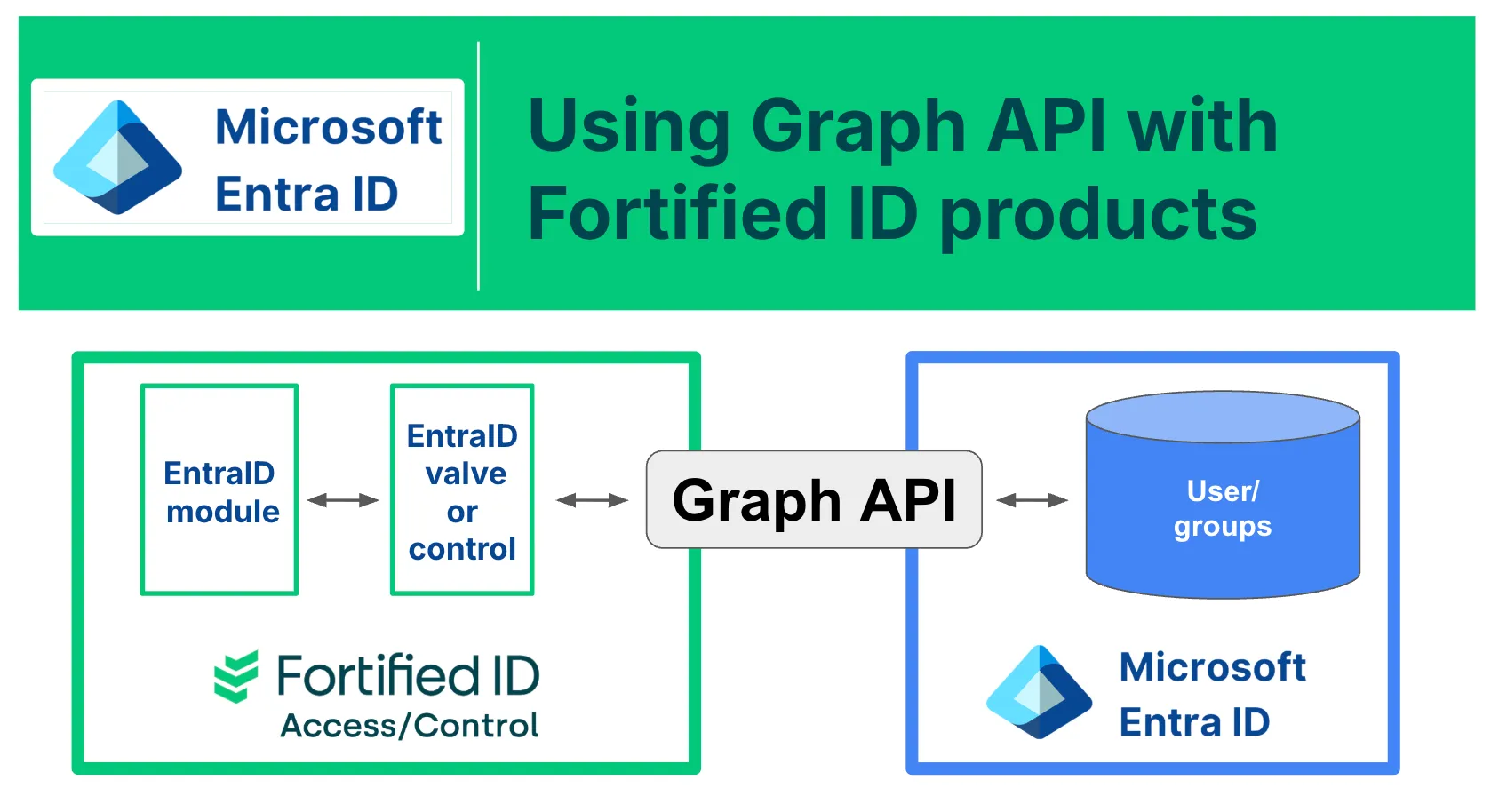
Section titled “Overview”When using Fortified ID in combination with Entra ID, certain operations require the use of Graph API scripts. This use case provides multiple examples of such scripts to support various integration and management scenarios.
Explore the sub-documents and select the specific script relevant to your implementation needs.
Configure the EntraID module
Section titled “Configure the EntraID module”Configure the EntraID module according to the documentation, ex:
{ "id": "entraid_1", "name": "EntraID", "config": { "client_id": "YOUR-CLIENT-ID", "tenant_id": "YOUR-TENANT-ID", "keystore": { "path": "${system.customer_home}/resources/entraid-cert.p12", "password": "P12-PASSWORD", "type": "PKCS12" }, "keystore_alias": "entraid-cert", "keystore_password": "P12-PASSWORD" }}Make sure to refer the keystore previously created.
Replace the values for client_id and tenant_id with the values previously copied.
Use Entra ID in Fortified ID products
Section titled “Use Entra ID in Fortified ID products”The common configuration is now ready to be used by the components in your use case.
Valves: /modules/pipes/valves/entraid/
Controls: https://docs.fortifiedid.se/forms/the-service/key-components/control/advanced-controls
In this section