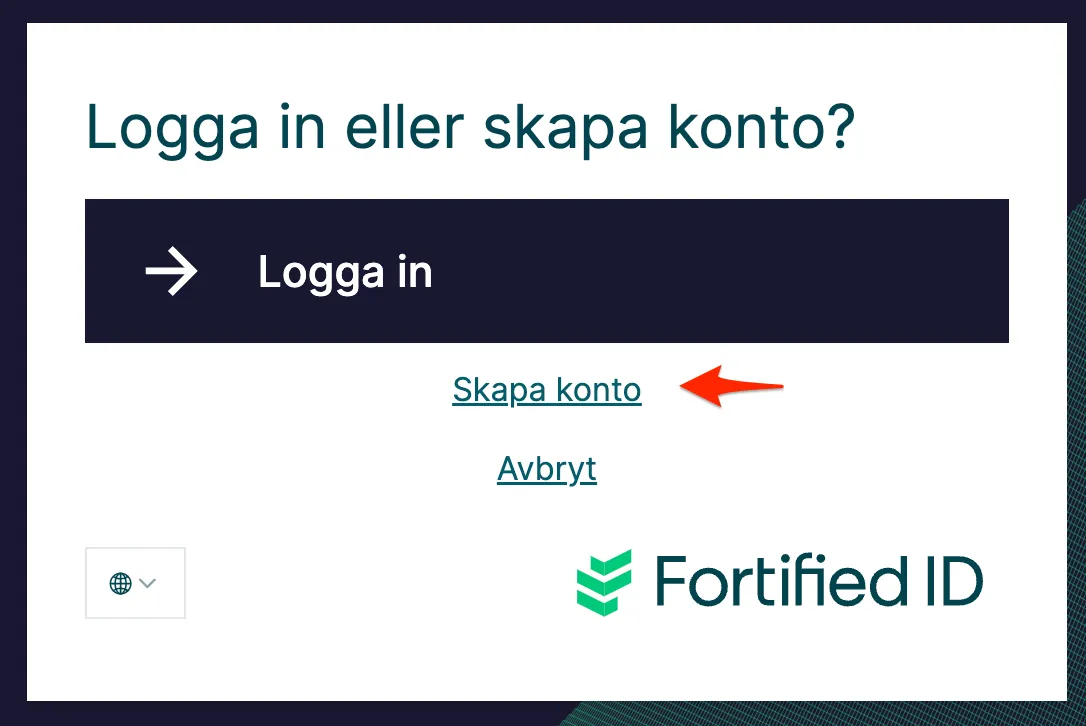
External links and Cancel location
Scenario
Section titled “Scenario”On your Fortified ID Integrity WEB you like to add links to external URLs outside.
Here are some reasons.
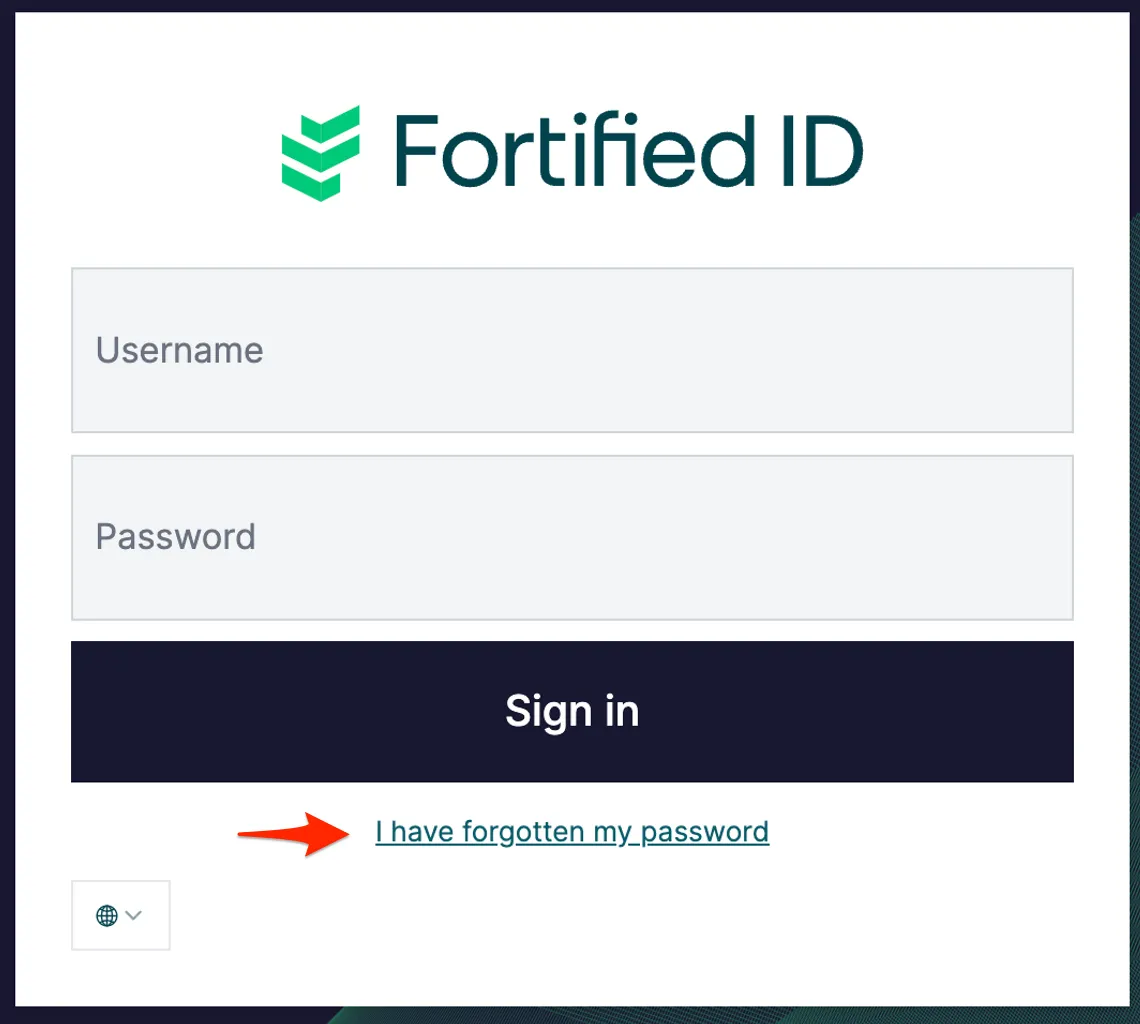
- On e.g. the authenticator UserNameAndPassword you like to change the Cancel link to "Forgot your password". Instead of using the default behaviour of Cancel you like the user to be sent to the Password Reset application.
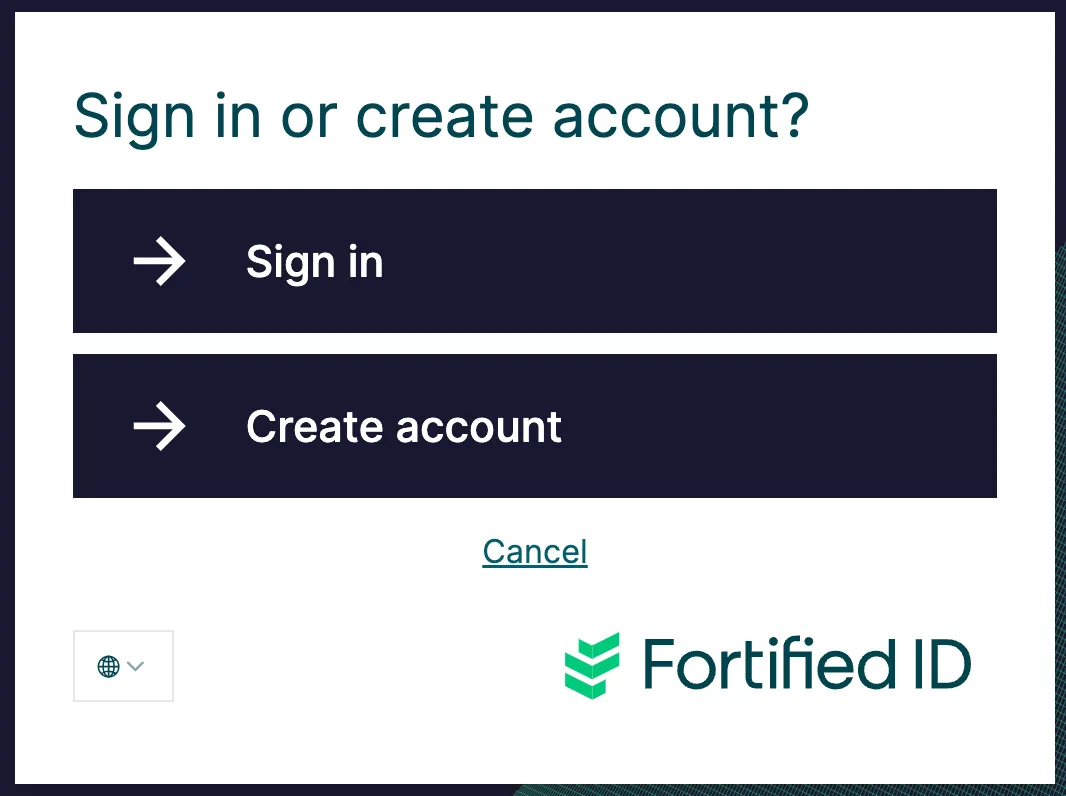
- On the authentication page you like to use one selector to create a user object, based on the authentication from e.g. BankID.
Below will Sign in link internally and Create account will link externally.
Change Cancel link behaviour
Section titled “Change Cancel link behaviour”By default a Cancel click will take the user back on the Integrity WEB where they started. The behavior can be changed so the user is redirected to an external link and it is possible to change the text Cancel to something more appropriate.
Change the text Cancel to something else
Section titled “Change the text Cancel to something else”To change the text from Cancel to Forgot your password for example.
Open the lang-file, e.g. en.lang, and change the following string to:
"username_password.cancel": "I have forgotten my password"Remove Cancel button
Section titled “Remove Cancel button”Change the value to an empty string. see below.
"username_password.cancel": ""Change link to an external link
Section titled “Change link to an external link”Open config.json and find the authenticator where you like to change the Cancel link to an external link.
Add the following parameter:
"cancel_location": "https://dev.fortifiedid.se/pwdreset/",\
See example below for the UserNameAndPassword authenticator.
"id": "uid_pwd","type": "UserNameAndPassword","config": { "base_path": "/saml/authn", "webroot_dir": "web/authenticator/username_password", "cancel_location": "https://dev.fortifiedid.se/pwdreset/",}Change selector option behaviour
Section titled “Change selector option behaviour”There are two things you can change:
- Make a selector to use an external link
- Make the selector component look like an link
Make a selector to use an external link
Section titled “Make a selector to use an external link”Below is an selector where id 2 will redirect to an external link.
Following parameter is added:
&#xNAN;**"url": "https://dev.fortifiedid.se/forms/self\_registration"**\
&#xNAN;Note, above will send the user to another SP that will redirect the user back to the IdP. But the request is now initiated by the new SP.
&#xNAN;Note 2, id 1 link to a target in the same configuration file.
"id": "customer","type": "Selector","config": { "base_path": "/saml/authn", "webroot_dir": "web/authenticator/selector", "overlay_dirs": [ "${globals.file_paths.base_dir}/config/resources_external/overlays/2_0_selector_customer", "${globals.file_paths.base_dir}/config/resources_external/overlays/0_look_and_feel" ], "options": [ { "id": "1", "target": "login_using_existing_account", "label": "login_label" }, { "id": "2", "label": "register_new_account_label", "url": "https://dev.fortifiedid.se/forms/self_registration" } ]}Make the selector component look like an link
Section titled “Make the selector component look like an link”Add the parameter:
&#xNAN;"type": "link"
{ "id": "2", "label": "register_new_account_label", "url": "https://dev.fortifiedid.se/forms/self_registration", "type": "link"}Result will look like: