
Oath Token
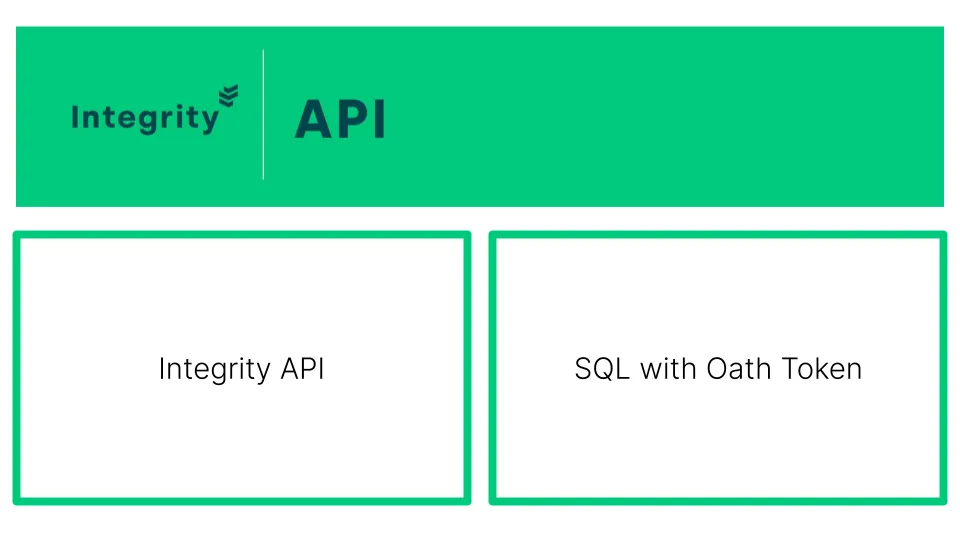
Scenario
Section titled “Scenario”This use case demonstrates how to add Oath as a second factor (MFA) using the Fortified ID Integrity API.
The Fortified ID Integrity API connects to the database containing the Oath token.
Prerequisite
Section titled “Prerequisite”- FortifiedID API installed
- Enrolled Oath Token, see the following guide for more details - Integrity Enrollment Software token
- SQL connection details from the Integrity Enrollment configuration
Configuration
Section titled “Configuration”Download and add configuration
Section titled “Download and add configuration”Remember that this use case does not describe installation of the products. Products are expected to be installed in advanced.
- Download ZIP containing configuration for Integrity API
- Click USE_CASE_LINK to download customer folder
- Add the configuration to your environment.
- Add the customer folder to your \..\fortifiedid\api\ folder. (Rename the existing customer folder to customer_ORG)
Update the configuration to map your environment
Section titled “Update the configuration to map your environment”- Open config/globals.json
- If necessary, modify the settings in the sql1 section:
- "encryption_key" : Ensure it matches the one in the Enrollment configuration
- "url" : Please update to the correct connection URL
- "username", change to the correct username
- "password", change to the correct password
- Start the Fortified Integrity API services.
Use the ADFS Oath adapter guide to test the configuration