
Menu
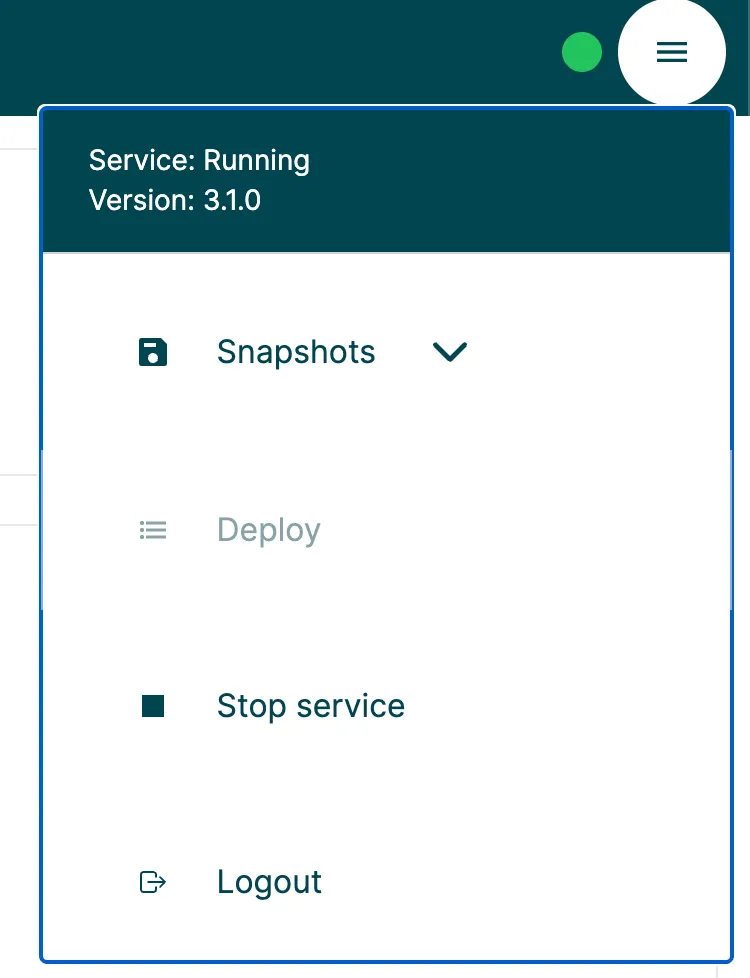
Top right meny provides stop/start, deploy & configuration "snapshotting". Circle left of meny indicates the status of managed service. Green=running, red=not running.
Top right meny provides stop/start, deploy & configuration "snapshotting". Circle left of meny indicates the status of managed service. Green=running, red=not running.
Configuration snapshots
Section titled “Configuration snapshots”As an administrator it is possible to create snapshots of a specific point in time and. This snapshot is stored until manually removed. This can be used when testing or exploring possible setups.
Some important this about snapshots:
- Resources are not included.
- Log settings & log files are not included.
- Cluster settings are not included
- Languages are note included
- When reverting to a snapshot all current changes will be lost unless found in an other snapshot.
- When creating a snapshot, be sure to give it a good name AND a valid description. This will be help you in the future.
- Snapshots have a very small footprint - it is based on git.
- If adding files manually to the configuration, only json files will be accepted and will automatically added to the versioned configuration AFTER a snapshot or any other configuration update is made.