
Facebook sign-in
Add Facebook sign-in as an authentication method to Integrity Web
Let your consumers use their existing Facebook account to sign in to any service protected by Integrity Web.
Guide prerequisite:
Integrity Web installedDNS-name and certificates in place for the Integrity Web https-hostFacebook non-personal organization account (for production purposes, for test you may use your private Facebook account)
NB! To collect the end user email address from the authentication, you must login with a Facebook business account to perform the administration. The setup below is performed with a non-business account, hence no email claim will be provided. Instead the claim`` sub ``will be used as the identifier.
Add authentication method
Section titled “Add authentication method”Add this configuration to the Authn module in the configuration:
  {                        "id": "fb",                        "type": "OIDCRP",                        "config": {                            "base_path": "/saml/authn",                            "discovery_metadata_url": "https://my.own.host/.well-known/fb-openid-configuration",                            "internal_http_destination": "default",                            "client_id": "fb.client.id.value",                            "client_secret": "fb.client.secret.value",                            "redirect_uri": "https://my.own.host/saml/authn/fb",
                            "jwt_subject_parameter": "sub"                        }                    }
Change the DNS host name of the redirect_uri to match your environment. Copy the value of the redirect_uri as this will be used in a later step.
Facebook configuration
Section titled “Facebook configuration”- Sign in to https://developers.facebook.com/apps/
- Click Create App
- Select Other
- Select Consumer
- Enter an app name, such as Integrity
- Change the app contact email, if necessary.
- Create
- Click Set up below Facebook login
- Select Web
- Enter the redirect_uri, copied in previous step, as the Site url
- Click Save and then Continue
- Click Next
- Click Next
- Click Next
- In the left-hand panel, select Facebook Login->Settings
- Add the redirect_uri copied from previous step to Valid OAuth Redirect URIs
- Save changes
- In the left-hand panel, select App settings->Basic
- Copy the app id and app secret values (these will be used as client_id and client_secret in later steps)
Prepare Facebook Discovery
Section titled “Prepare Facebook Discovery”The Facebook OpenID Connect Discovery metadata does not include a mandatory parameter, token endpoint. To make Facebook work with Integrity web, the Facebook OpenID Connect Discovery metadata must be downloaded, altered and then published on a URL, reachable from the Integrity Web server.
- Download Facebook Discovery from https://www.facebook.com/.well-known/openid-configuration. Name the file fb-openid-configuration
- Open fb-openid-configuration in a text editor
- Add the token_endpoint parameter to the json structure:
"authorization_endpoint": "https://facebook.com/dialog/oauth/", "token_endpoint" : "https://graph.facebook.com/v17.0/oauth/access_token", "jwks_uri": "https://www.facebook.com/.well-known/oauth/openid/jwks/",- Save the file
- Place the file on a web server. In this configuration example, the proxy server (Apache) has been used.
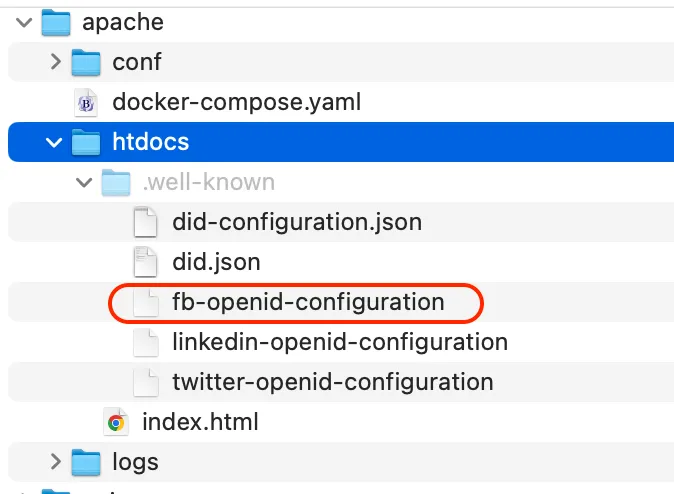
- Adjust the Integrity Web configuration. Locate the autenticator and adjust the parameter discovery_metadata_url to match your environment.
"discovery_metadata_url": "https://my.own.host/.well-known/fb-openid-configuration",
Add client credentials
Section titled “Add client credentials”- Open the Integrity Web configuration
- Locate the Facebook Authentication method added in previous step
- Replace the client_id and client_secret values with the values copied in previous step.
Example:
{ "id": "fb", "type": "OIDCRP", "config": { "base_path": "/saml/authn", "discovery_metadata_url": "https://01c5-194-68-171-97.ngrok-free.app/.well-known/fb-openid-configuration", "internal_http_destination": "default", "client_id": "23234234234666121", "client_secret": "45609e54023940gfgwsfj234234asldkjsdfkj.erwzdsr43", "redirect_uri": "https://01c5-194-68-171-97.ngrok-free.app/saml/authn/fb", "jwt_subject_parameter": "sub" } },Alter the configuration to point to the new Facebook authenticator, either directly or as a selector option.
Browse to the service protected by Integrity Web.
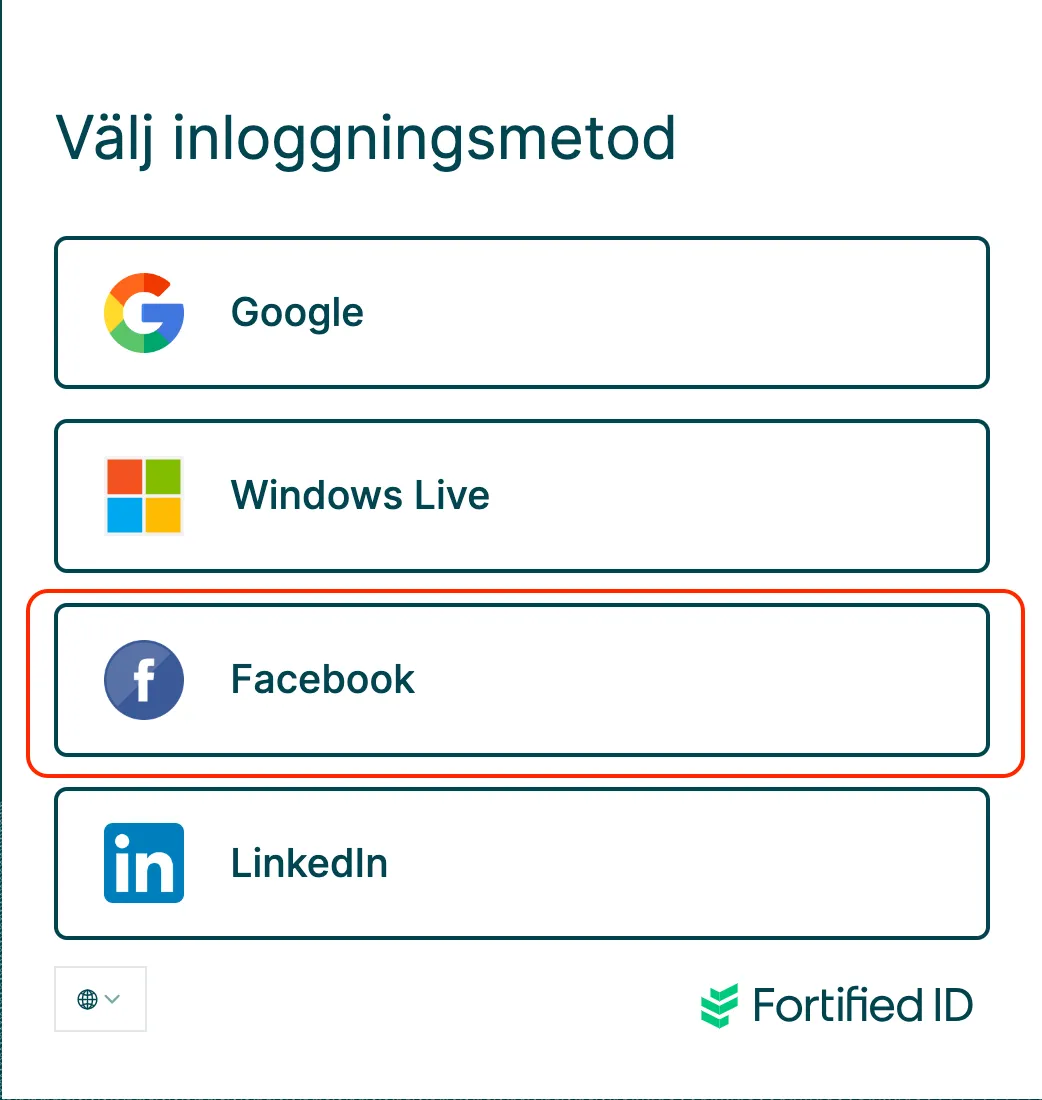
Select Facebook as authentication method.
Your browser should now be redirected to the Facebook sign-in site.
Enter your Facebook credentials and approve the authentication.
You should now be redirected back to Integrity and then to the service with a valid authentication.
Use server.log for error tracing and debugging. Fix accordingly and test again.
Sample configuration
Section titled “Sample configuration”A sample Integrity Web configuration, including a number of different social provider sign-in options, can be downloaded here.