
ADFS not able to consume Integrity SAML Metadata - troubleshooting guide
Troubleshoot ADFS when consuming metadata.
When adding a new claims provider trust (SAML IdP) or new relying party trust (SAML SP) to ADFS, it is possible to define a url for consumption of metadata.
This document describes how to troubleshoot ADFS when Integrity SAML metadata from a URL can not be consumed.
Issues
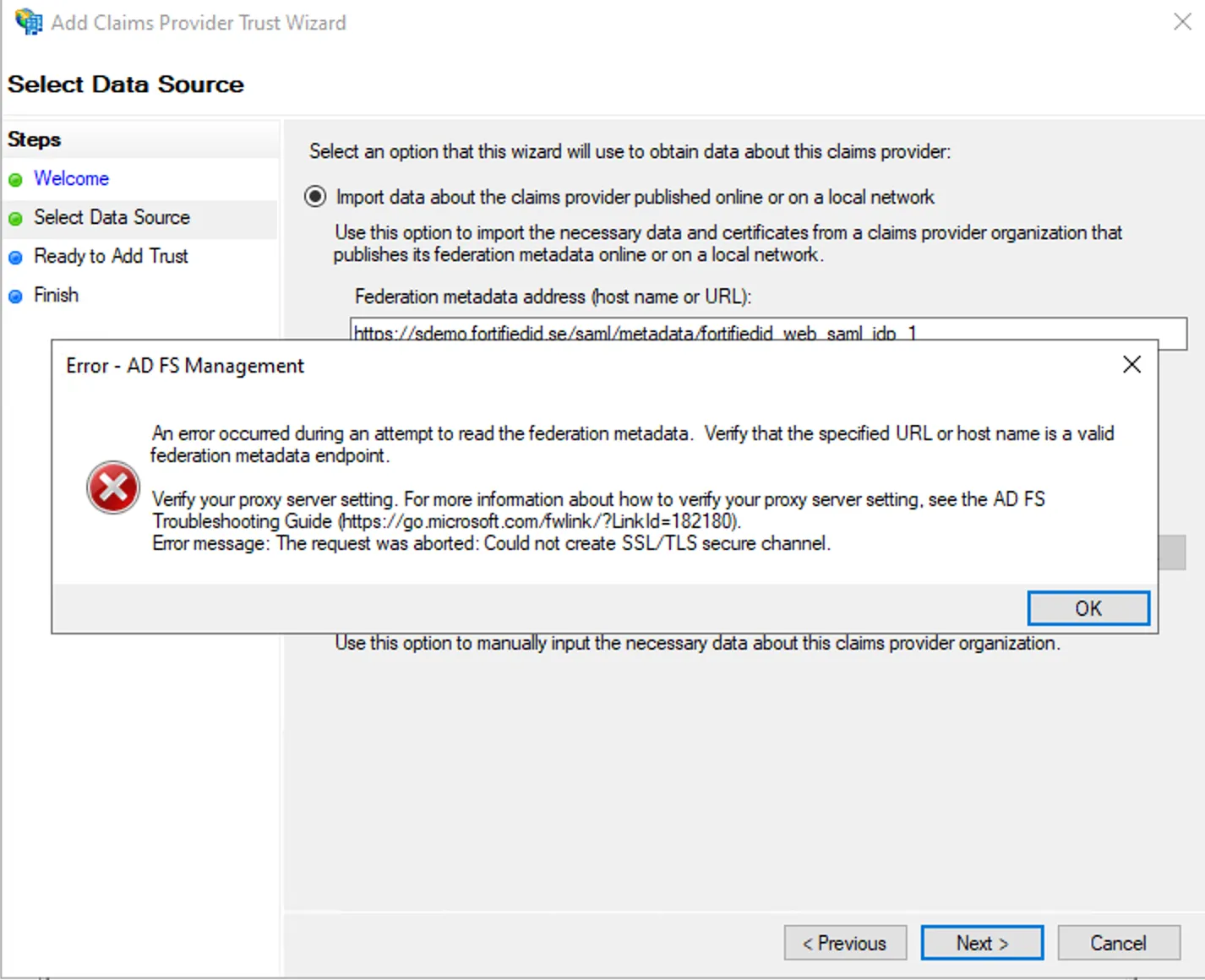
Section titled “Issues”ADFS is not able to consume metadata and displays an error.
Potential reasons
Section titled “Potential reasons”Reason: The Integrity web site is using TLS 1.3. (Use a browser that displays this to test, for example Firefox)
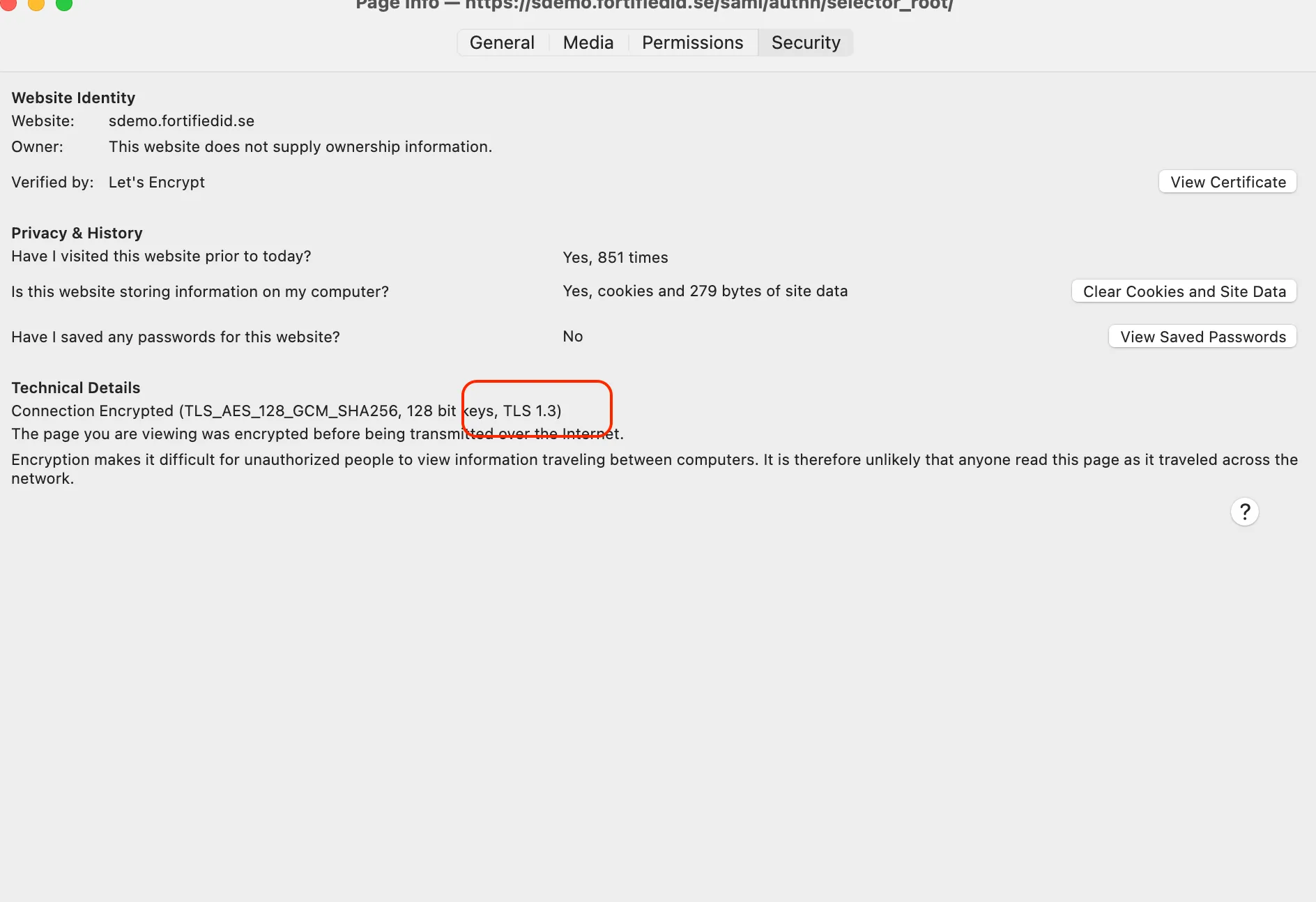
Fix: ADFS is not able to consume TLS 1.3 sites. Download the SAML metadata as a file and import using the file option.
Reason: The Integrity web site is protected by a https certificate not trusted by ADFS.
Fix:
- Download the CA certificate (and intermediate if applicable)
- Import the certificates file on the ADFS server, using cert.mmc->Local Computer->Trusted Root Certification->Certificates.
- Restart ADFS
- Try again.
- NB! Also remember that the https certificate used must contain a CN or SAN with the domain name of the server.