How to change adapter display (friendly) name
This document describes how to change the display (friendly) name of the Fortified ADFS adapters.
After installing and enabling the Fortified ID ADFS adapter(s), the default display names will be:
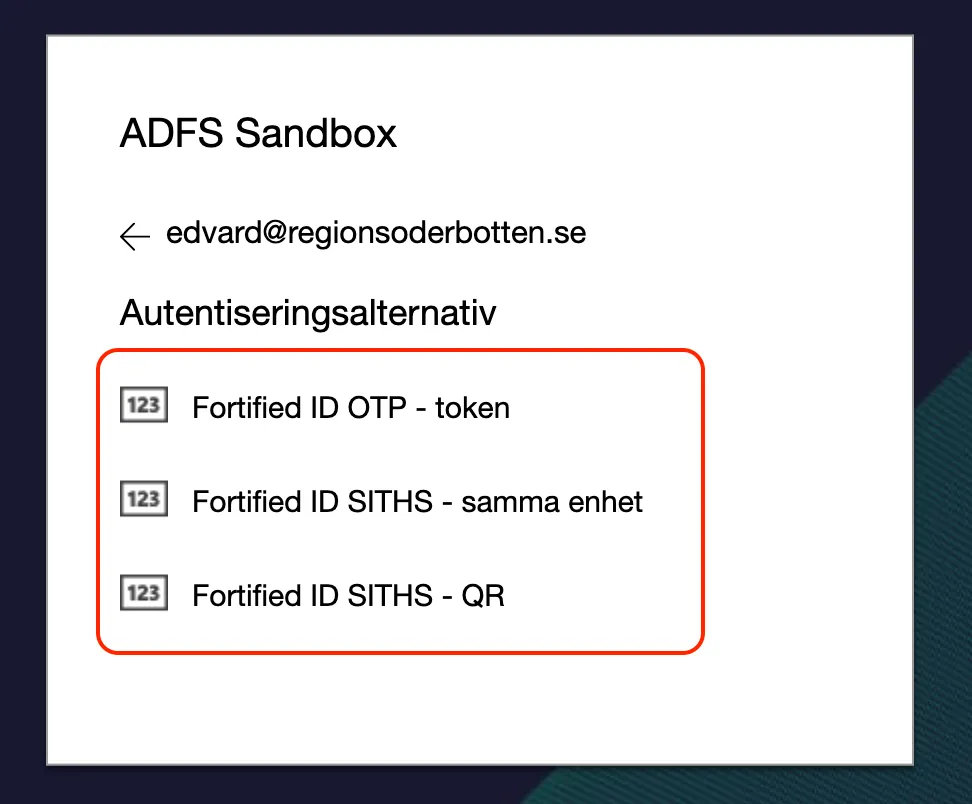
Many organizations would like to change the display names to align to internal requirements.
Solution
Section titled “Solution”- Open Windows Powershell on the ADFS server (in a farm, any ADFS server may be used)
- Execute command
Get-AdfsAuthenticationProvider
This will list the authentication providers installed. - Find the name of the adapter which display name you would like to change
- Execute command
Set-AdfsAuthenticationProviderWebContent -Name ADAPTER_NAME -DisplayName "DISPLAY_NAME" -locale sv
Example:
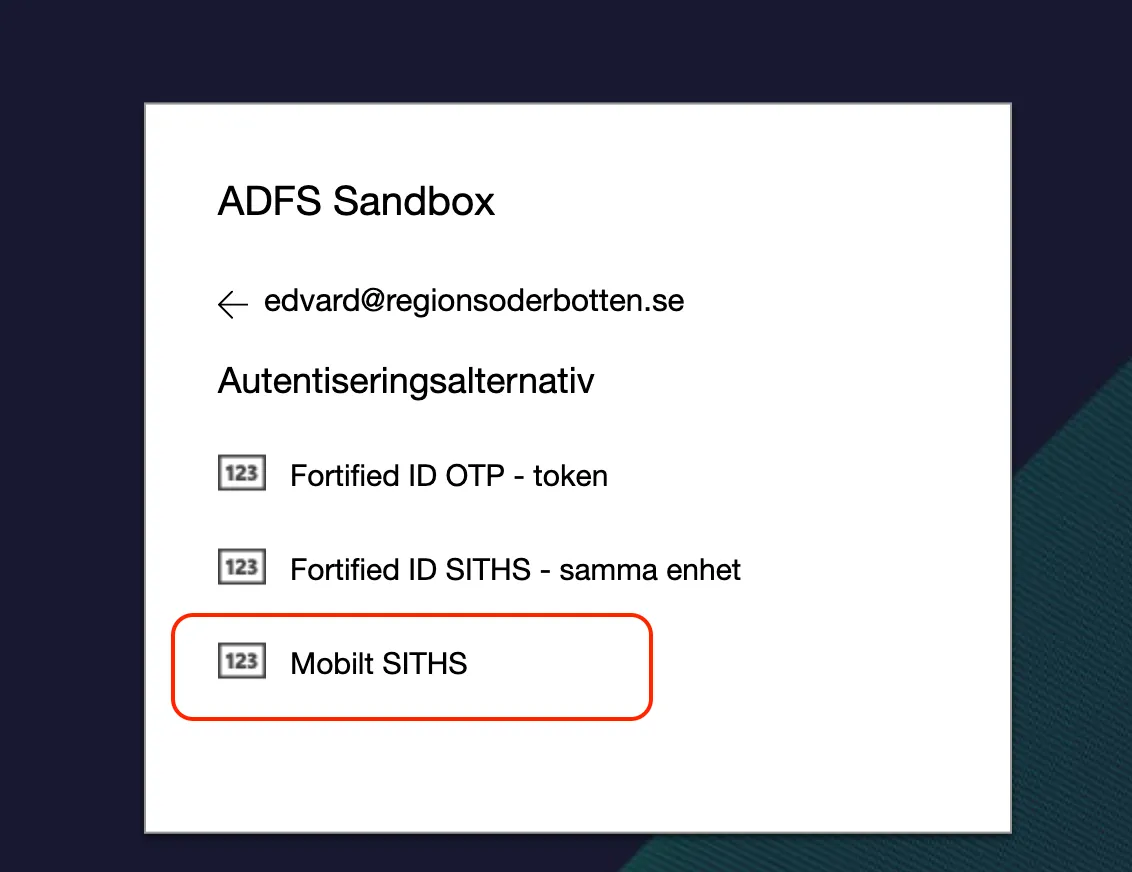
Set-AdfsAuthenticationProviderWebContent -Name FortifiedID.ADFS.SITHS.QR -DisplayName "Mobilt SITHS" -locale sv
The command must be executed for each language-settings (locale) - No restart required
- The change should now be displayed to the end user