
Flow data and Step Pipes
How Forms accumulates data and passes changed values to Step Pipes.
Forms keeps track of data while a user moves through a Flow. This page explains how values from input data, Controls, and Pipes are accumulated and made available to later steps.
Flow state and flow delta
Section titled “Flow state and flow delta”A Flow uses two accumulated data objects:
- Accumulated Flow State contains the current data available in the Flow.
- Accumulated Flow Delta contains values that should be sent to Step Pipes.
If a pre-step Pipe is configured, it runs before the first Step is displayed. The Pipe response must be a single, flat key/value object. Its values are added to the Accumulated Flow State and can be used by later Steps and Controls.
Values in the Accumulated Flow State can be referenced with the flow prefix:
flow.cnflow.description
The Flow State can contain values from:
- input data used to start the Flow
- the pre-step Pipe
- Controls on completed Steps
- responses from Step Pipes
The Flow Delta is used when a Step Pipe runs. It contains accumulated changed data from the Flow, together with input data and any configured pipe request parameters.
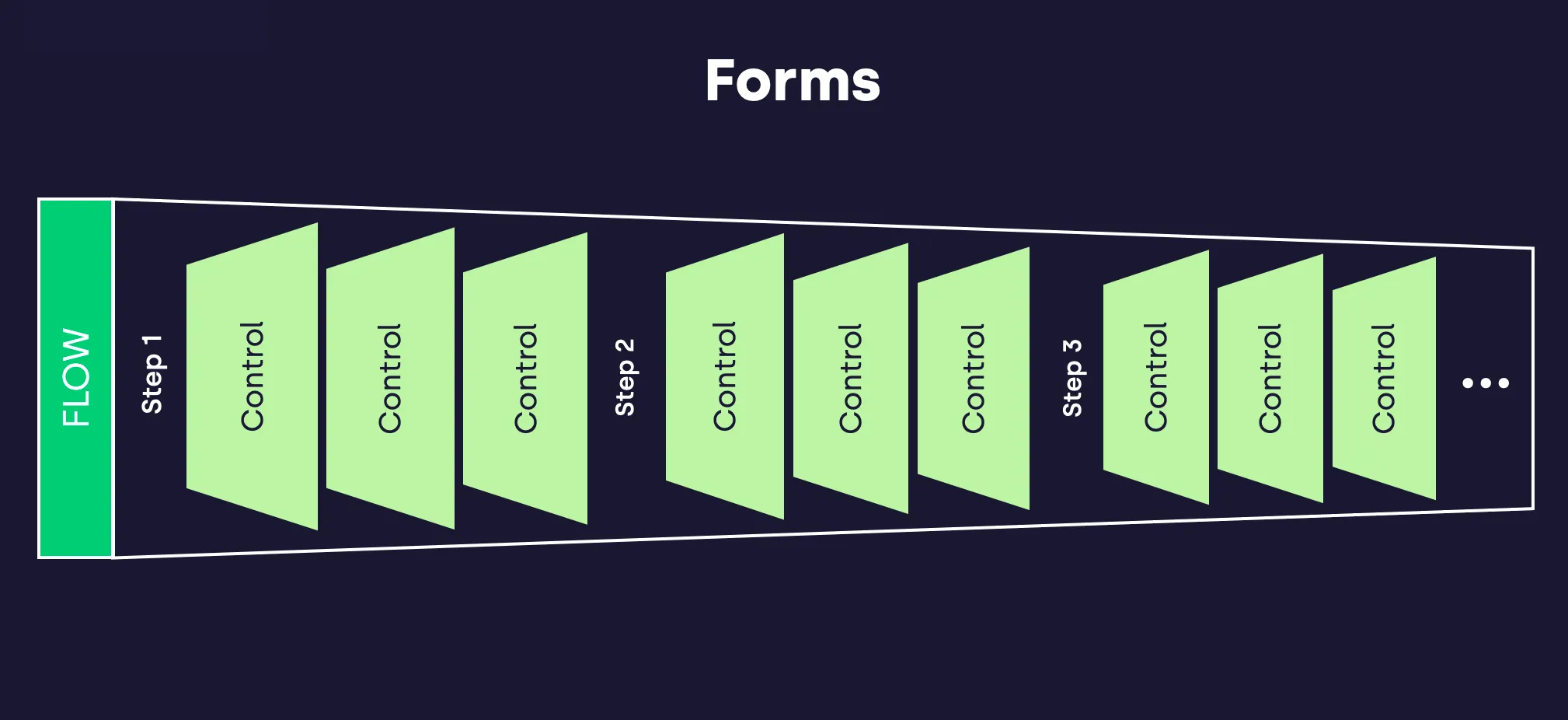
What happens when a Step is completed
Section titled “What happens when a Step is completed”When the user leaves a Step, Forms processes the Controls on that Step before moving to the next Step.
- Each Control contributes its current data to the Accumulated Flow State.
- Read-only Controls can contribute existing data to the Flow State, but user changes are not accepted from them.
- Each Control is checked to determine if it should contribute data to the Accumulated Flow Delta.
- If the Step has a Step Pipe, the Step Pipe is called with the Accumulated Flow Delta.
- If the Step Pipe returns data, the response must be a single, flat key/value object. The returned values are added to the Accumulated Flow State.
A Control contributes data to the Accumulated Flow Delta when at least one of these conditions is true:
- the Control value has changed since the Step was loaded
- the Control property
always_includeis set totrue
Step Pipes and final actions
Section titled “Step Pipes and final actions”A Step Pipe belongs to a Step and runs when the user leaves that Step. This means the last Step in a Flow can also run a Step Pipe.
Use the final Step Pipe for validation, persistence, notifications, provisioning, or other actions that should happen at the end of the Flow. Forms does not run a separate Pipe after the last Step Pipe.
Data flow
Section titled “Data flow”The flowchart below visualises the rules. At the end of each Step, before moving to the next Step or ending the Flow, each Control is checked. When all Controls have been processed, the Step Pipe is executed if one is configured. The Step Pipe response is then added to the Accumulated Flow State.
---config: layout: dagre---flowchart TD B("Check Control C") --> C{"ReadOnly?"} C -- No --> D{"Required?"} C -- Yes --> E{"Required?"} E -- No --> F("Add C(D) to <b>S</b>") E -- Yes --> I{"C(D) empty?"} I -- No --> F I -- Yes --> J("Error") F --> K1{"Always Include?"} K1 -- Yes --> H("Add C(D) to <b>Δ</b>") K1 -- No --> G(("Repeat for all <br> Controls in Step")) H --> G D -- Yes --> K{"C(I) empty?"} D -- No --> L("Add C(I) to <b>S</b>") K -- No --> L M -- Yes --> G K -- Yes --> J L --> N1{"Always Include?"} N1 -- Yes --> N("Add C(I) to <b>Δ</b>") N1 -- No --> M{"C(I) = C(D)?"} M -- No --> N N --> G G --> S("If step has pipe: <b>R</b> = <b>P</b>(<b>Δ</b>) Add <b>R</b> to <b>S</b>") S --> P{"Has more Steps?"} P -- Yes --> Q("Next Step") P -- No --> R("Summary") subgraph n1["C: Control<br>D: initial data I: Input <b>Δ</b>: Accumulated Delta <b>S</b>: Accumulated State <b>P</b>: Pipe function associated with step"] end