> For the complete documentation index, see [llms.txt](https://docs.fortifiedid.se/password-reset/llms.txt). Markdown versions of documentation pages are available by appending `.md` to page URLs; this page is available as [Markdown](https://docs.fortifiedid.se/password-reset/overview.md).

# Overview

With Fortified ID Password Reset, users can reset a forgotten password themselves by verifying with another authentication method. Read more about authentication methods and Password Reset on our external website, [fortifiedid.se](https://www.fortifiedid.se/products/password-reset).

## Why Password Reset?

<figure><img src="/files/bAaVRd9In2jH3BUkdZwj" alt=""><figcaption></figcaption></figure>

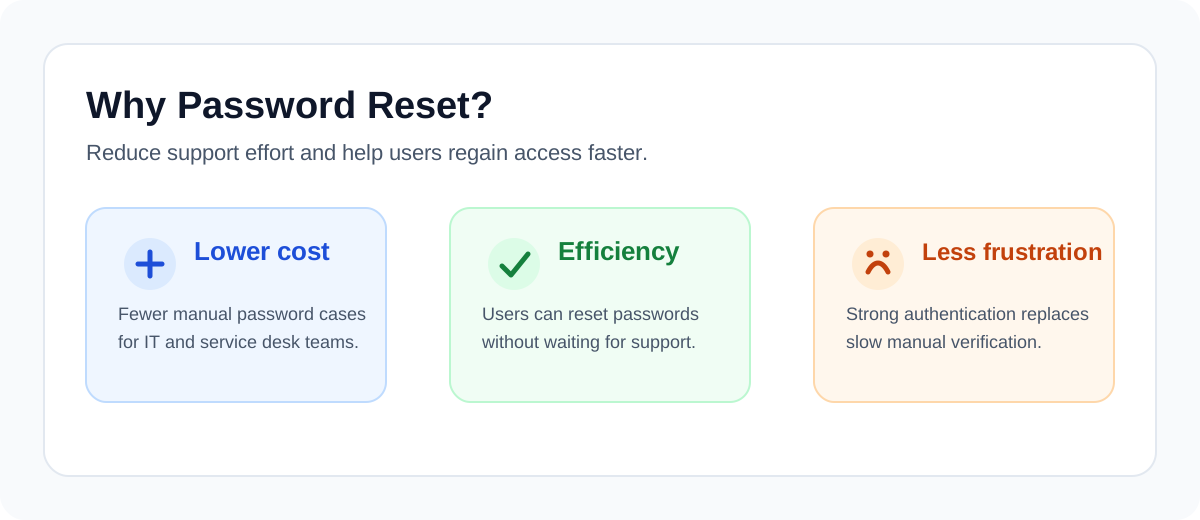
Password-related support cases are often repetitive, time-consuming, and costly. A self-service password reset solution helps reduce the number of tickets that need to be handled manually by IT or service desk teams, which frees up time for more valuable work.

For end users, Password Reset provides a faster and more efficient way to regain access. Instead of waiting for IT support or proving their identity over the phone, users can verify themselves with a strong authentication method and reset their password directly. This reduces frustration and helps users get back to work sooner.

For the organization, this means fewer manual processes, lower support costs, and a better overall user experience. It also reduces dependency on working hours and support availability when a password issue blocks access.

## Delegated Password Reset

<figure><img src="/files/CkOlNobjz9oReSir9ULG" alt=""><figcaption></figcaption></figure>

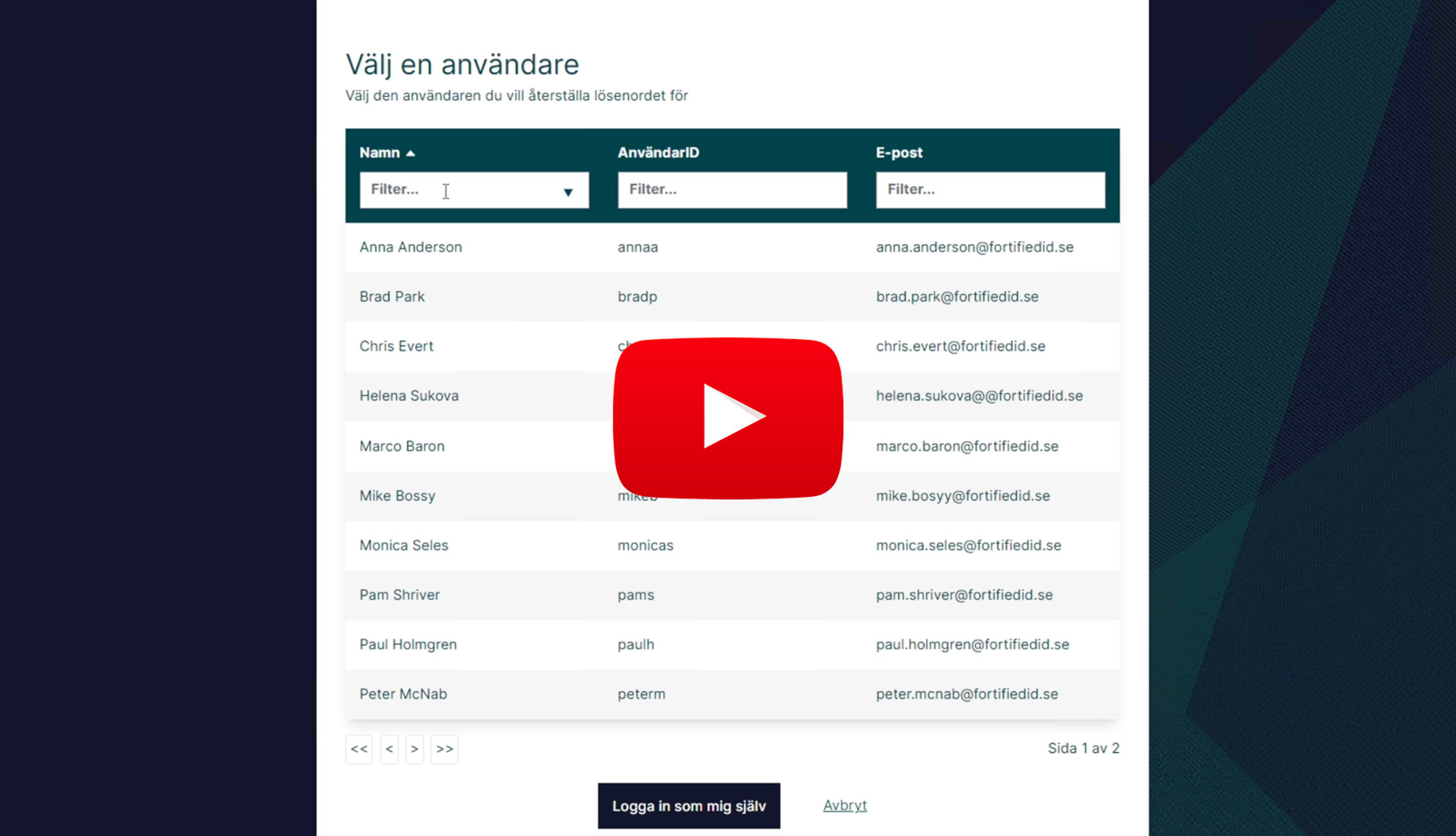
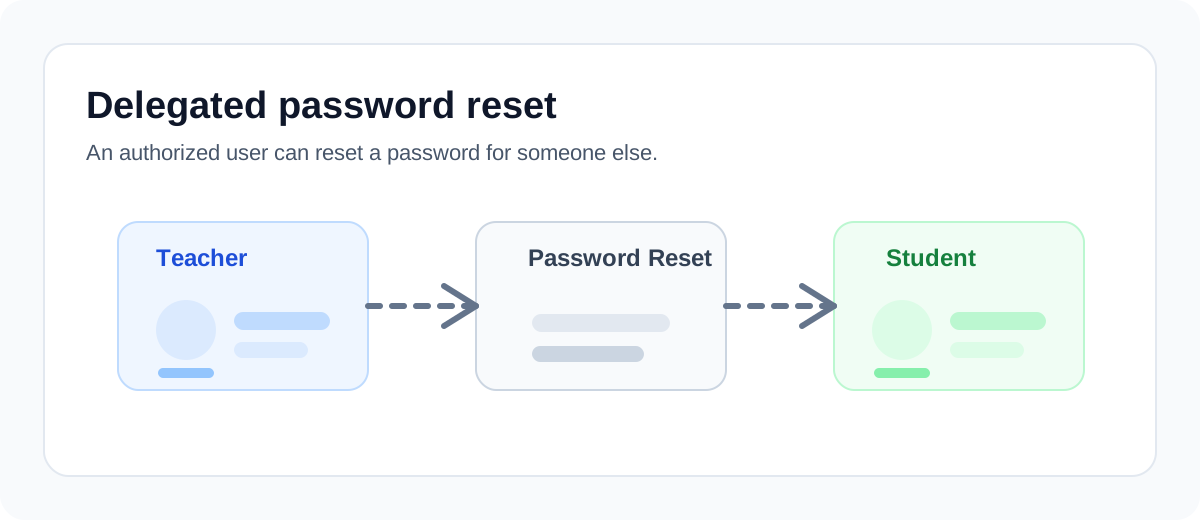
Password Reset also supports delegated password reset, where an authorized user can reset a password on behalf of someone else.

Common examples include:

* a teacher resetting a student's password
* a manager resetting a password for an employee in the same team
* a service desk agent resetting a password for a user in a defined support scope

## Different Password Policies

<figure><img src="/files/KLJ1kEC4oMJgy9BqWgVb" alt=""><figcaption></figcaption></figure>

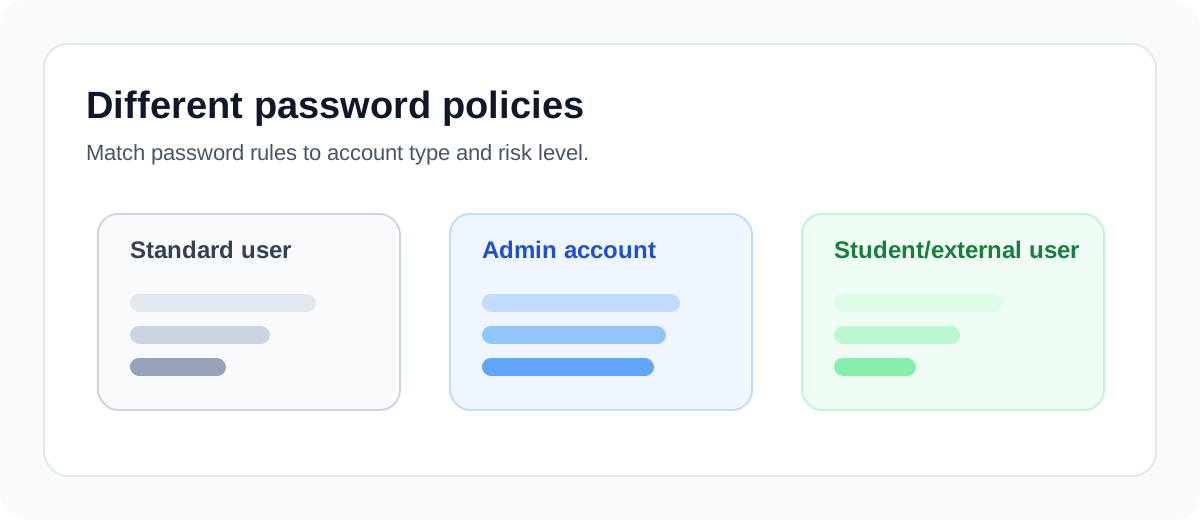
Password Reset also supports different password policies for different users. This makes it possible to apply stronger or more specific password requirements where they are needed, without forcing the same policy on everyone.

Common examples include:

* an IT employee who has one regular user account and one separate administrative account, where the administrative account requires a stricter password policy
* external users or students who need a simpler password policy than internal employees
* privileged accounts that must follow stronger password rules than standard business user accounts

The service can be combined with several strong authentication methods, such as BankID and Freja eID.

<table data-view="cards"><thead><tr><th></th><th></th><th></th><th data-hidden data-card-target data-type="content-ref"></th><th data-hidden data-card-cover data-type="files"></th></tr></thead><tbody><tr><td>Self Service Password Reset with BankID</td><td></td><td></td><td><a href="https://youtu.be/-XERe4af5rE">https://youtu.be/-XERe4af5rE</a></td><td><a href="/files/5pSWYOo4p8EEX5DUq8xi">/files/5pSWYOo4p8EEX5DUq8xi</a></td></tr><tr><td>Self Service Password Reset with Freja orgID</td><td></td><td></td><td><a href="https://youtu.be/ON5Et8YVXLw">https://youtu.be/ON5Et8YVXLw</a></td><td><a href="/files/AMD0MbKiemsuZ2JpmLkw">/files/AMD0MbKiemsuZ2JpmLkw</a></td></tr><tr><td>Delegated Password Reset</td><td></td><td></td><td><a href="https://youtu.be/IQyO5KnRNk8">https://youtu.be/IQyO5KnRNk8</a></td><td><a href="/files/csMRTo7Ym7pMElrNDsIa">/files/csMRTo7Ym7pMElrNDsIa</a></td></tr></tbody></table>


---

# Agent Instructions
This documentation is published with GitBook. GitBook is the documentation platform designed so that both humans and AI agents can read, navigate, and reason over technical content effectively. Learn more at gitbook.com.

## Querying This Documentation
If you need additional information that is not directly available in this page, you can query the documentation dynamically by asking a question.

Perform an HTTP GET request on the current page URL with the `ask` query parameter, and the optional `goal` query parameter:

```
GET https://docs.fortifiedid.se/password-reset/overview.md?ask=<question>&goal=<endgoal>
```

`ask` is the immediate question: it should be specific, self-contained, and written in natural language.
`goal` is optional and describes the broader end goal you are ultimately trying to accomplish on behalf of the user. GitBook uses it to tailor the answer towards what is most useful for that goal.

The response will contain a direct answer to the question and relevant excerpts and sources from the documentation.

Use this mechanism when the answer is not explicitly present in the current page, you need clarification or additional context, or you want to retrieve related documentation sections.