
Manage version
Allows for up/downgrade of managed service by downloading from Fortified ID application blood stream. This feature requires online access. If running in air_gapped mode this will not work.
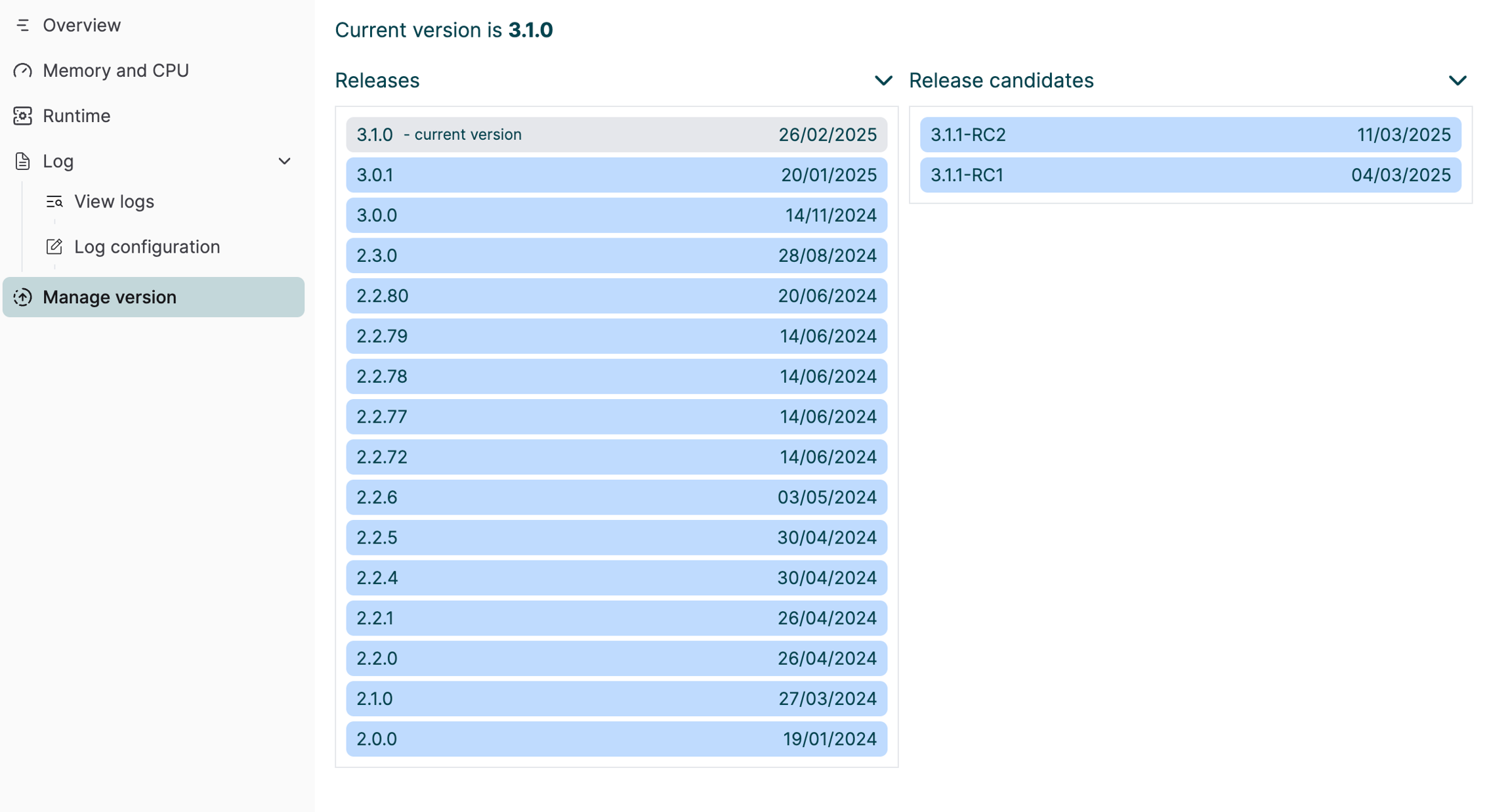
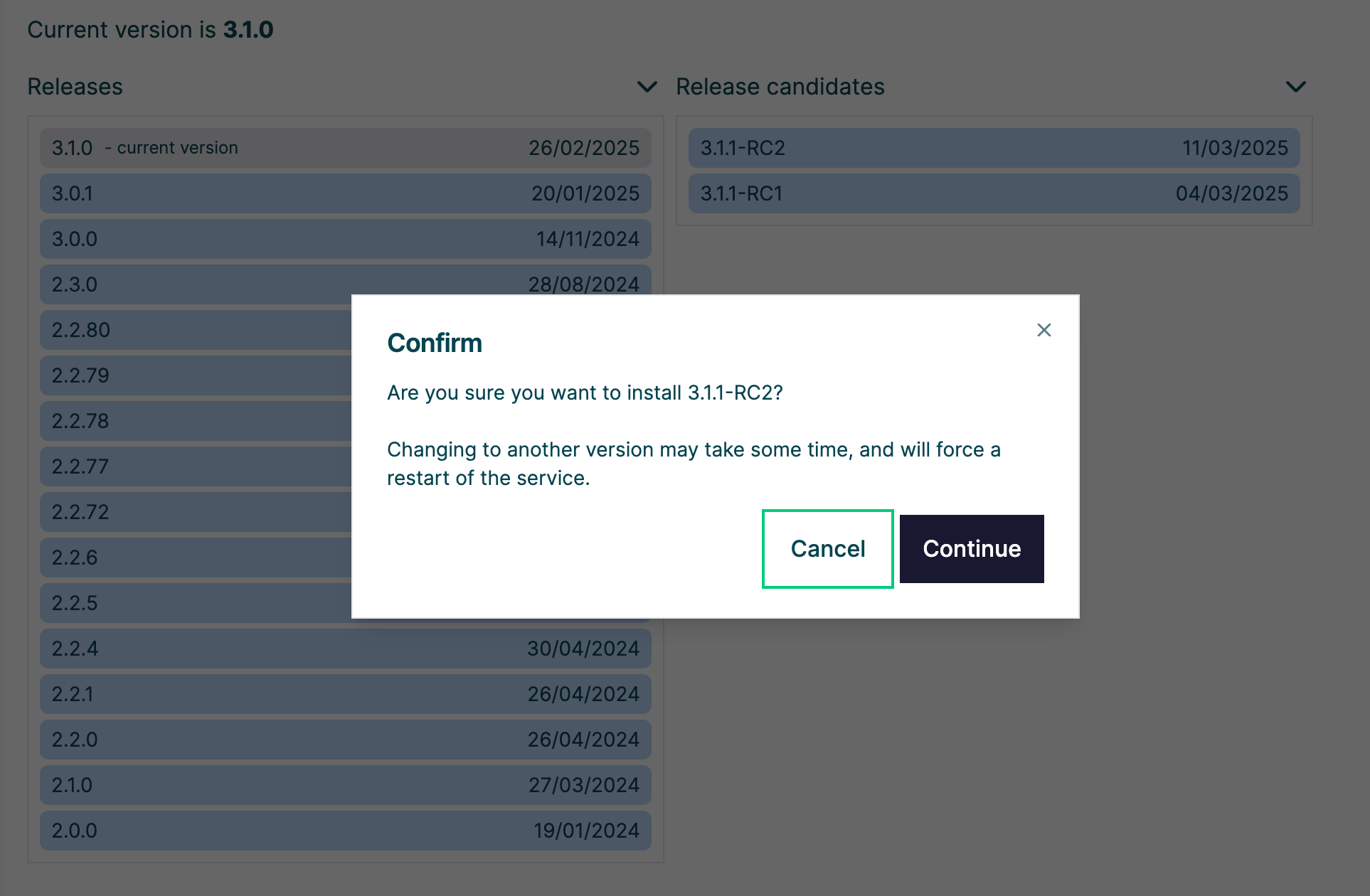
Allows for up/downgrade of managed service by downloading from Fortified ID application blood stream. This feature requires online access. If running in air_gapped mode this will not work.